In our previous guide, we showed how to re-order sections in the WordPress documentation plugin – weDocs.
In a similar way, you can do that for the articles too. Let’s see how to do it right away.
First of all, open your preferred section where you want to rearrange articles.
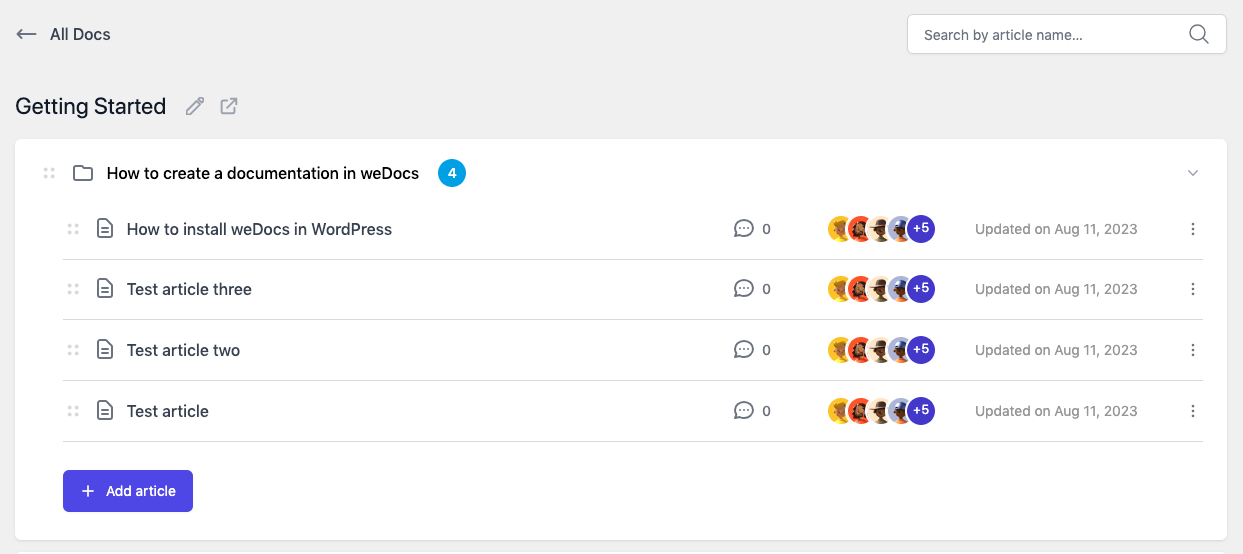
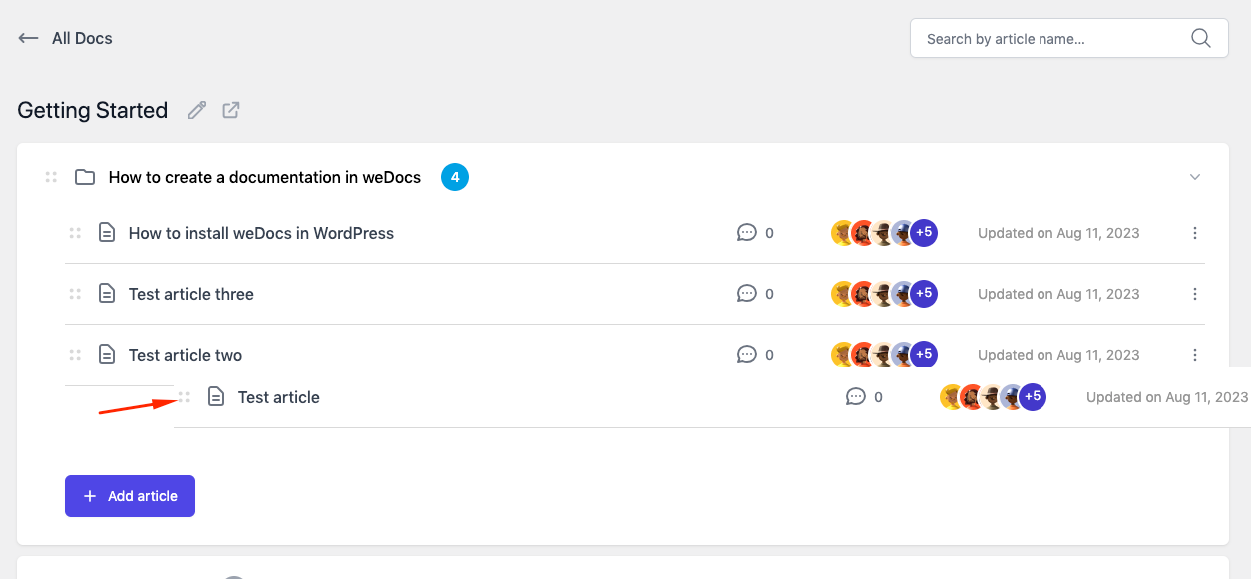
Click on the “four dots” option. Hold and drag it to the preferred area.
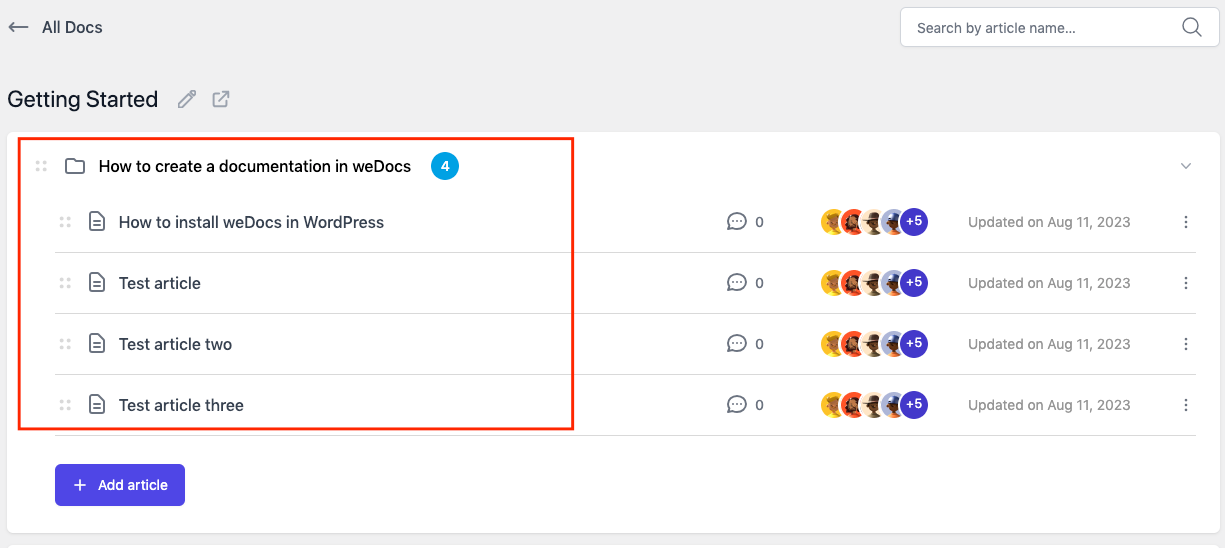
So this is how you can easily rearrange the articles using the WordPress document manager.
That’s all!