You can easily re-order the sections of your WordPress docs plugin from your WordPress site. It will help you to keep your documentation workflow aligned, smart and arrange the sections in the right order quite easily.
By using the drag-drop feature, you can easily do that. That means you can re-order the sections back and forth. This will help you
To re-arrange the sections, enter any of your preferred sections. In our case, we’re choosing the “Get Started” document.
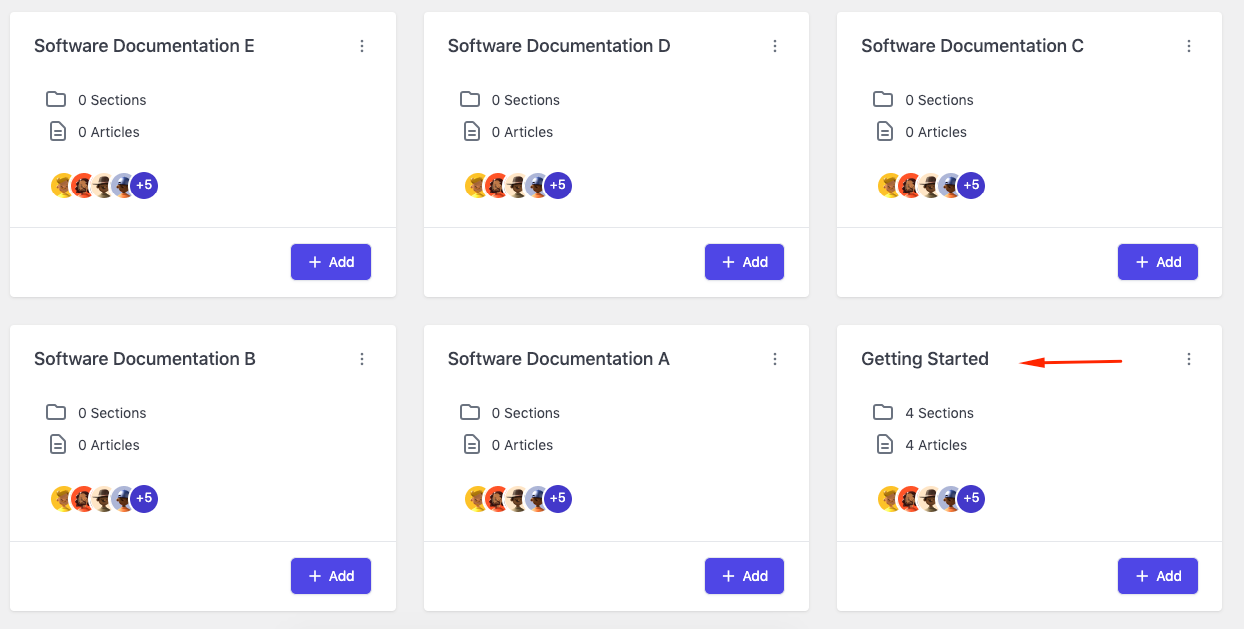
Here are the sections that you can rearrange. Let’s see how to do it!
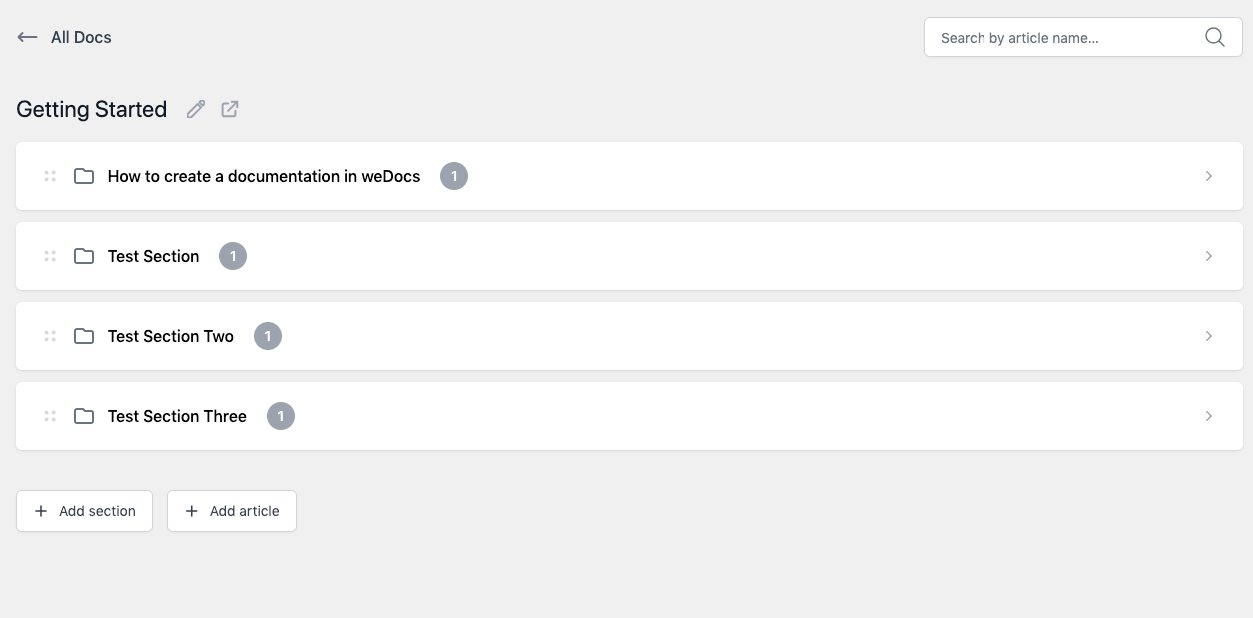
Hold and drag the “four dots” option to the preferred position.
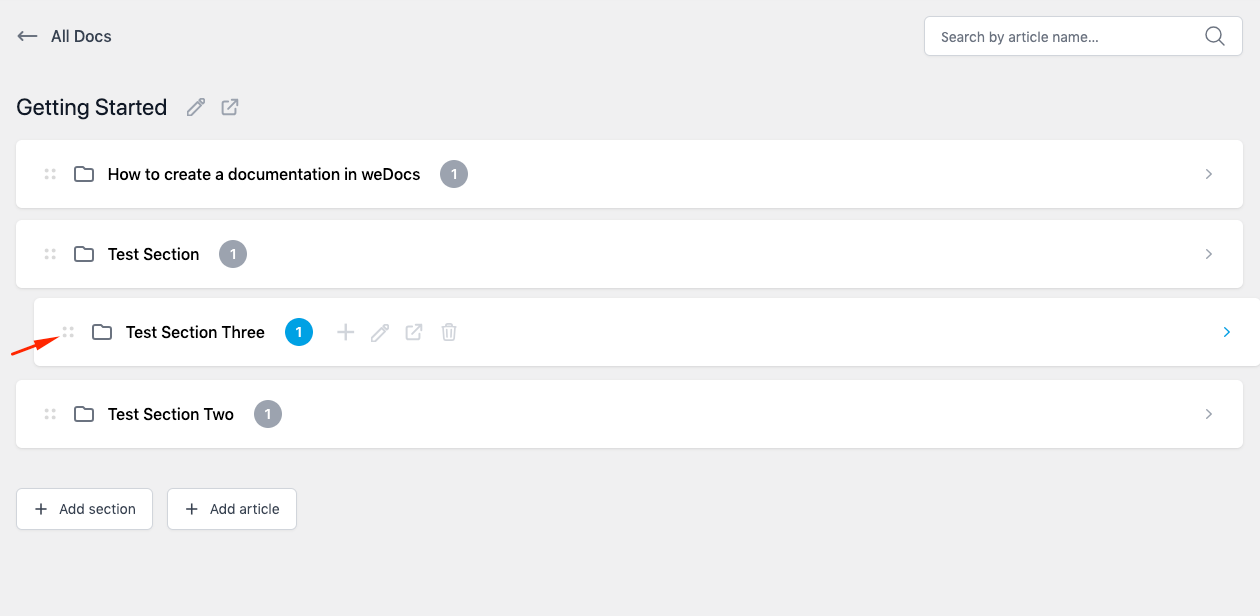
You can see the sections are organized nicely.
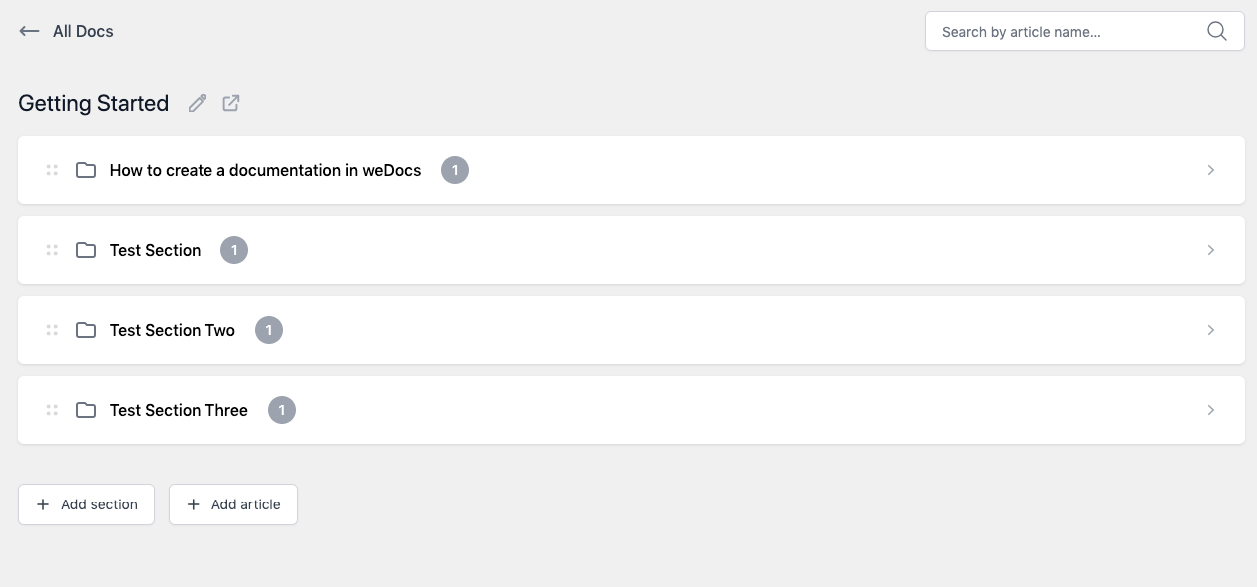
How simple is that? So this is how you can re-order your sections under any documentation using the WordPress documentation plugin – weDocs