If you have different types of documentation on your WordPress site, then you need to categorize them. So your users can find them easily and simply. With weDocs, you can do that easily by creating tags.
The process is simple and easy. Like the way you create tags in WordPress, you can create tags in the WordPress docs plugin.
Let’s see how to do it:
Creating tags
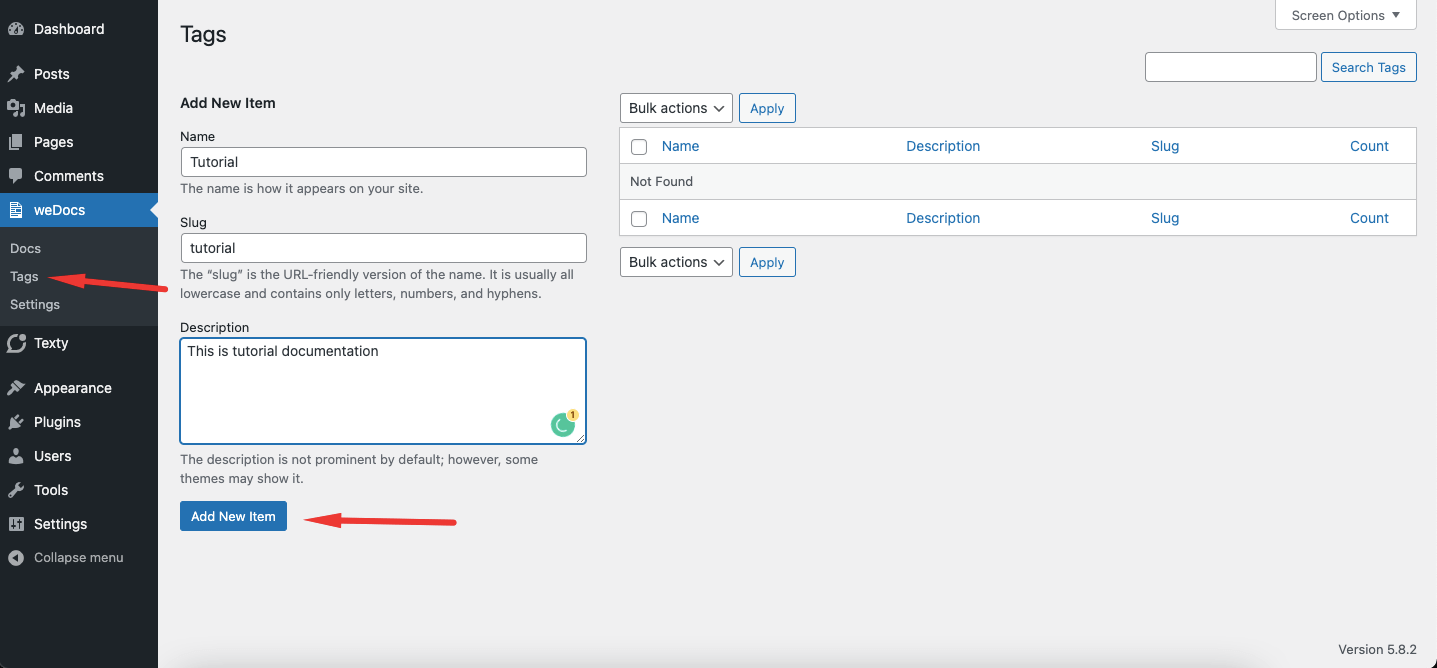
To create a tag, go to WP Admin–>weDocs–> Tags. Now, add your Tag name, slug, and description.
Click on the Add New Item button to finish.
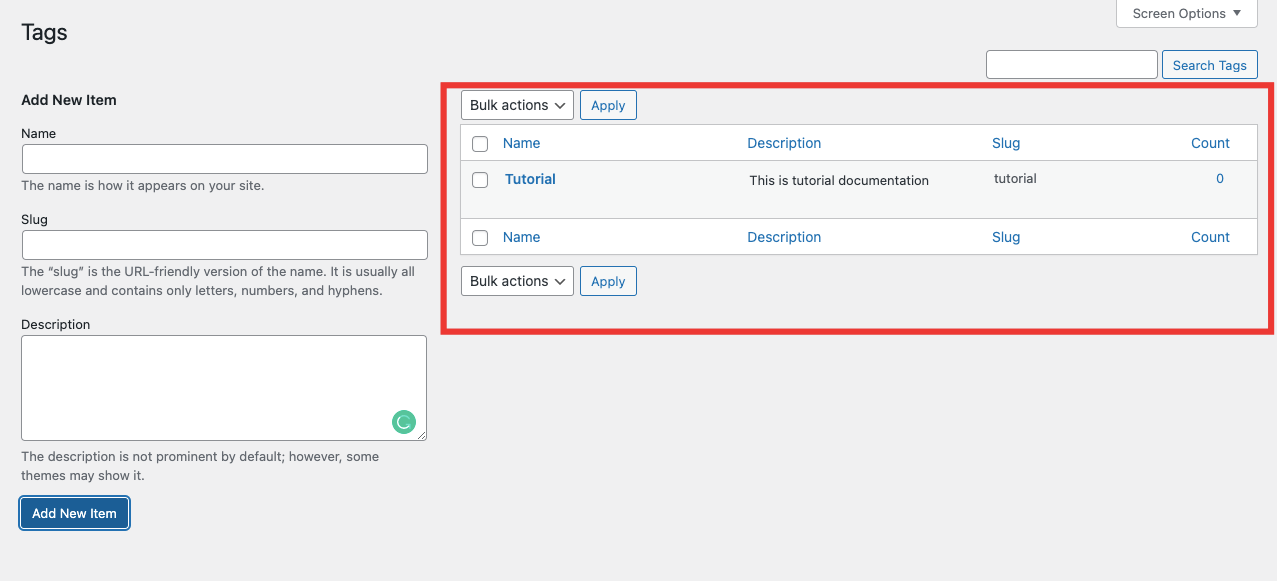
After saving your tag, you will see the new Tag in the tag list.
You can add a tag while writing the documentation as well. From the right-hand side menu under the Tag option.
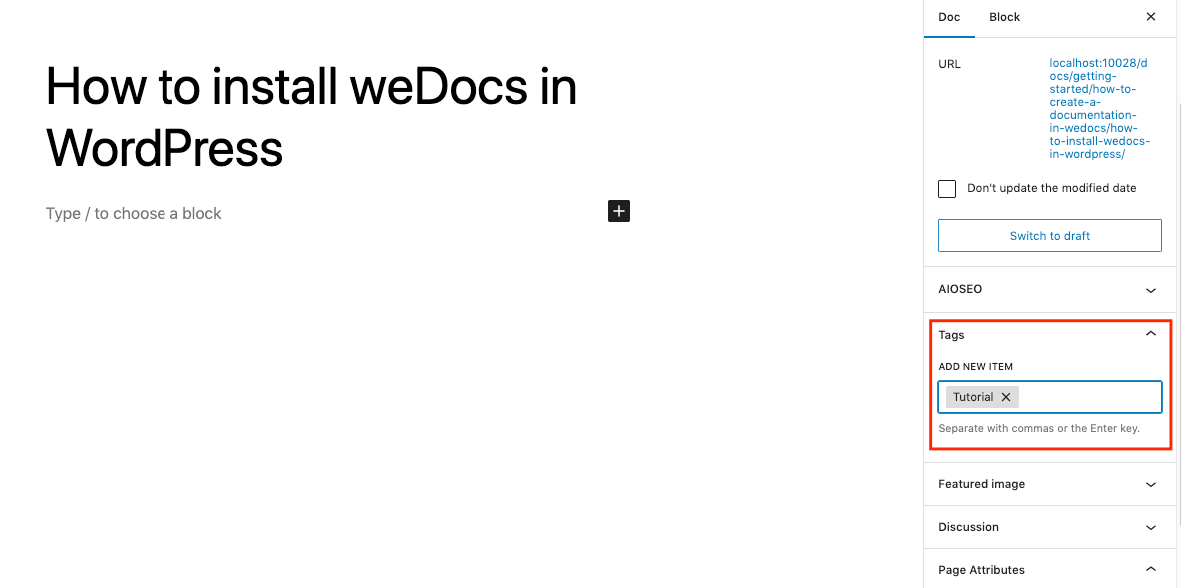
Write your tags name and use “,” to create a tag.
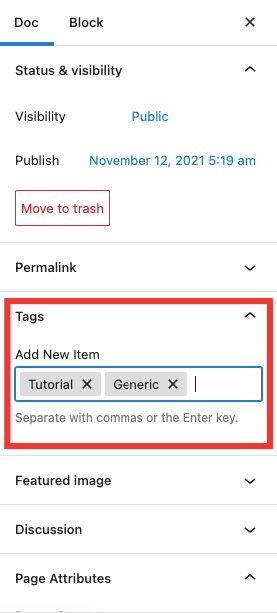
This is how you can create tags using weDocs.